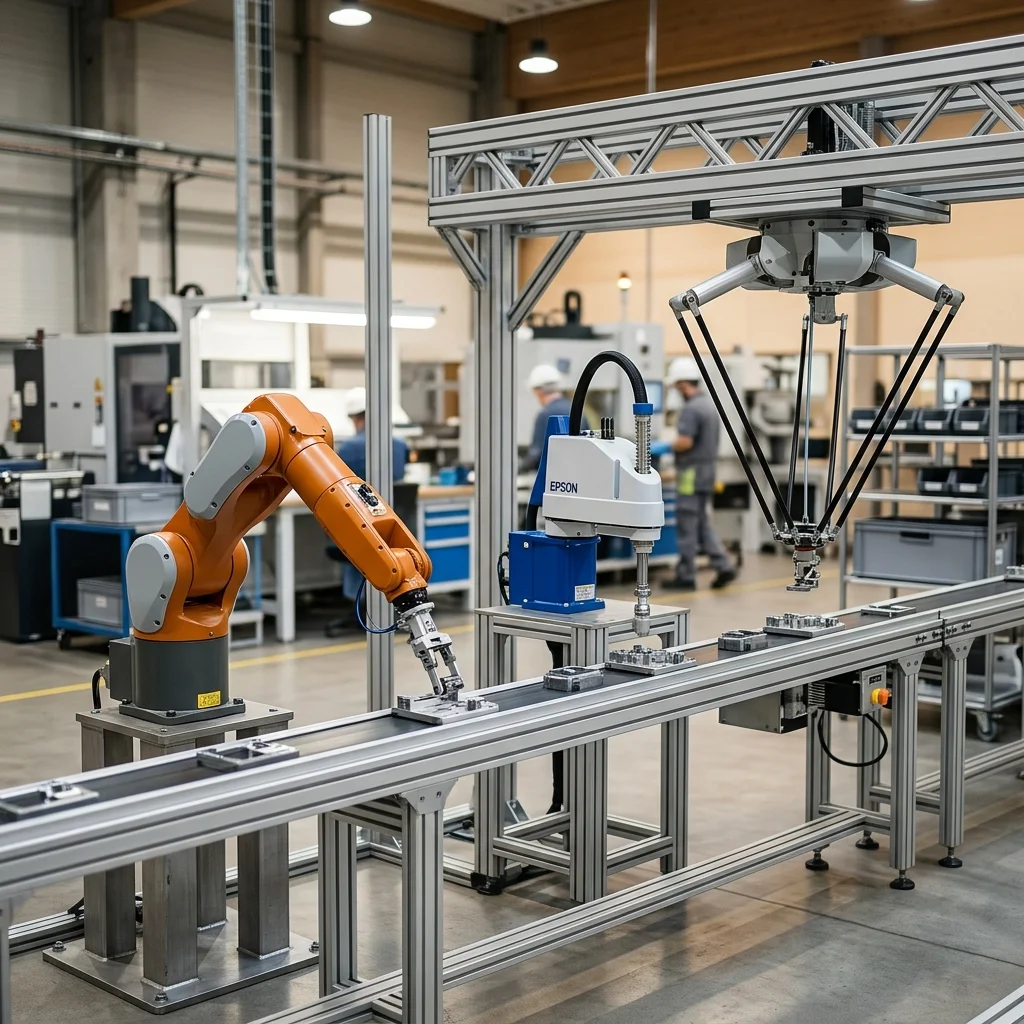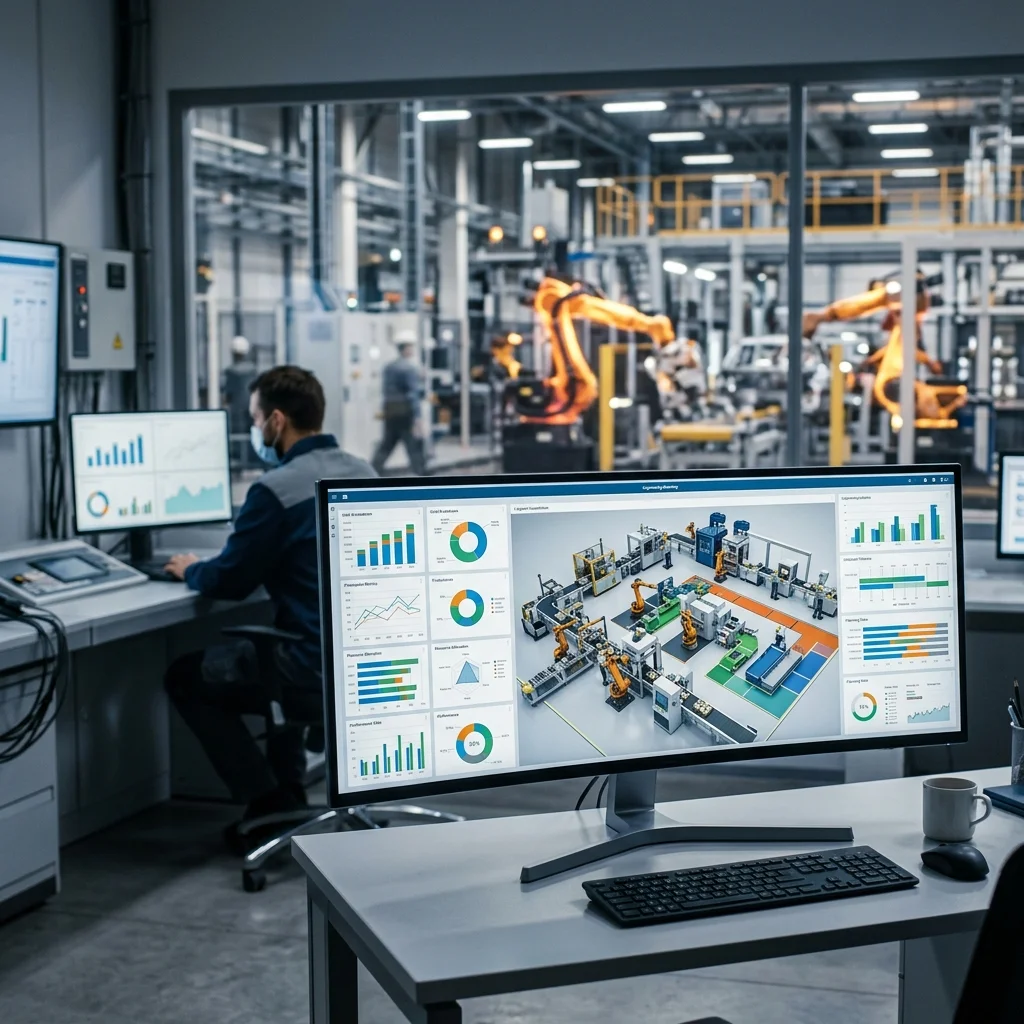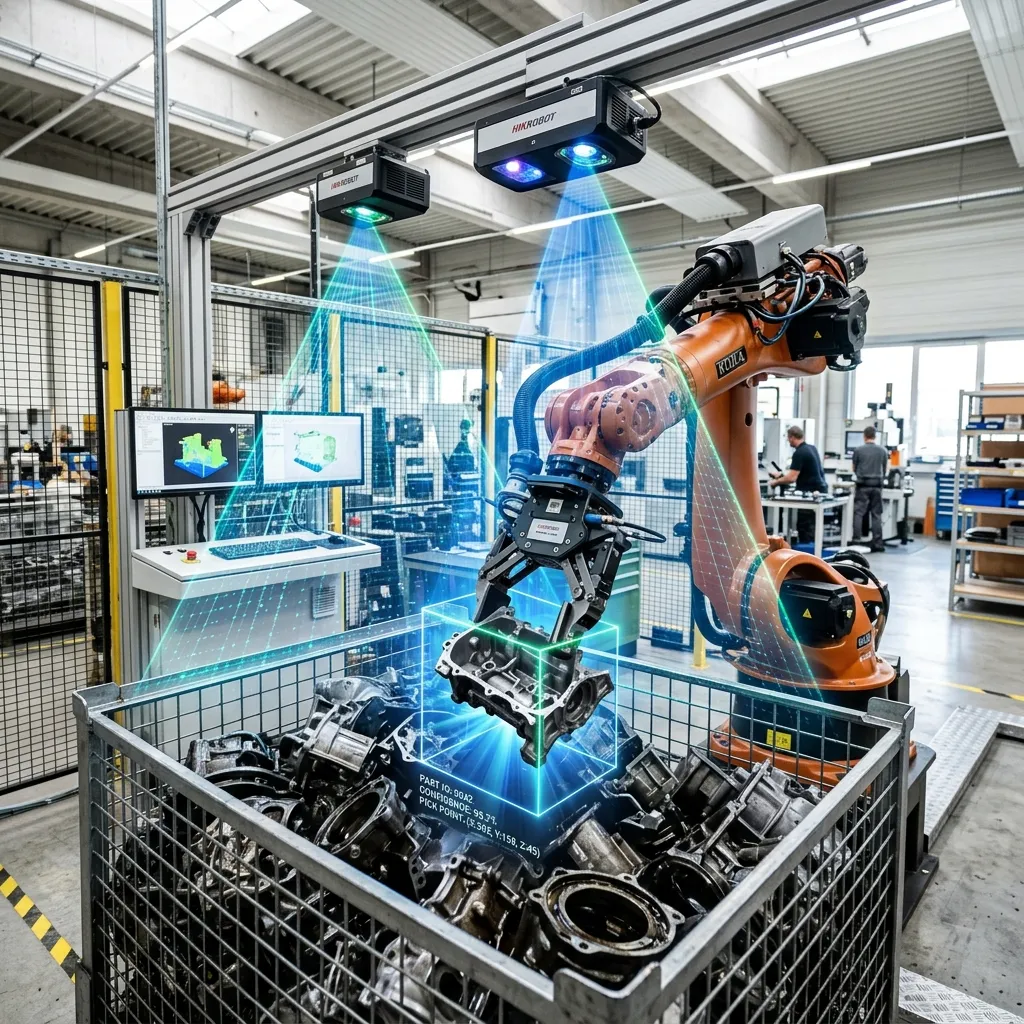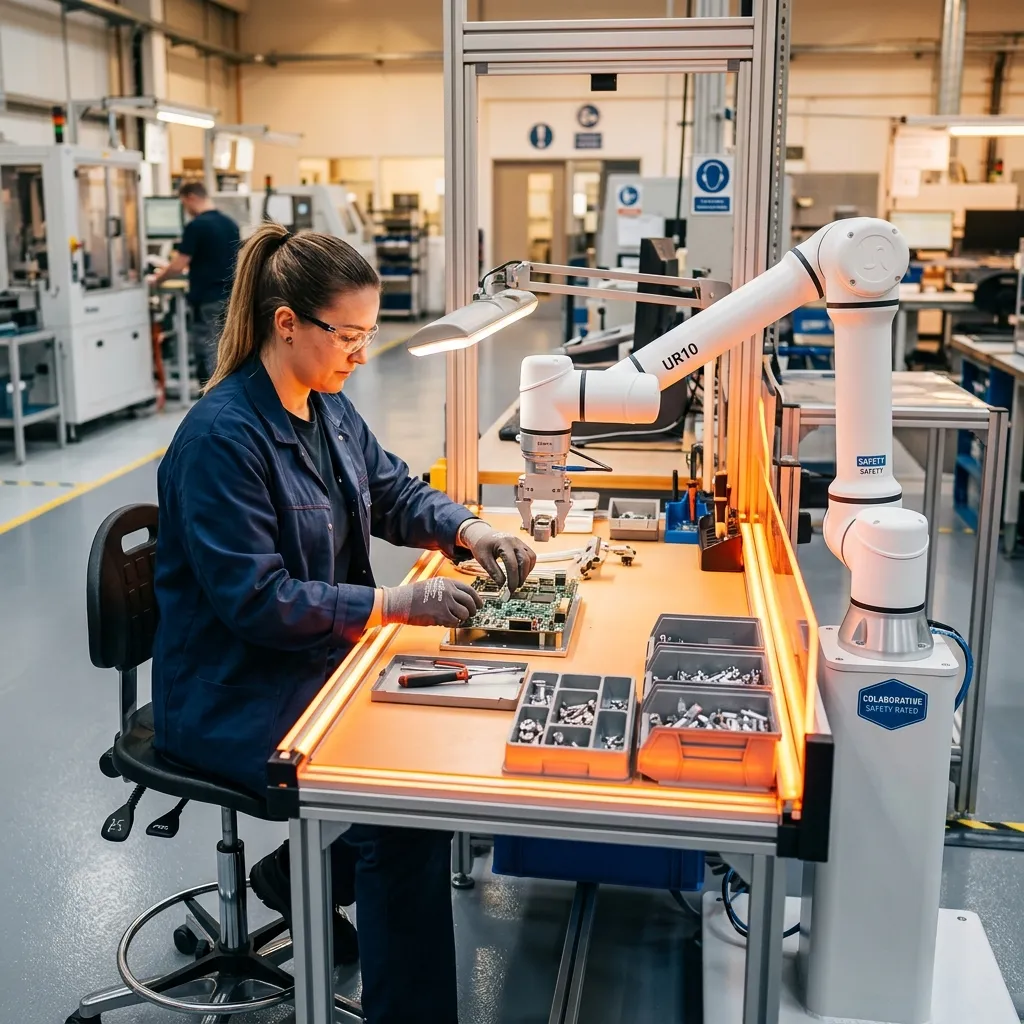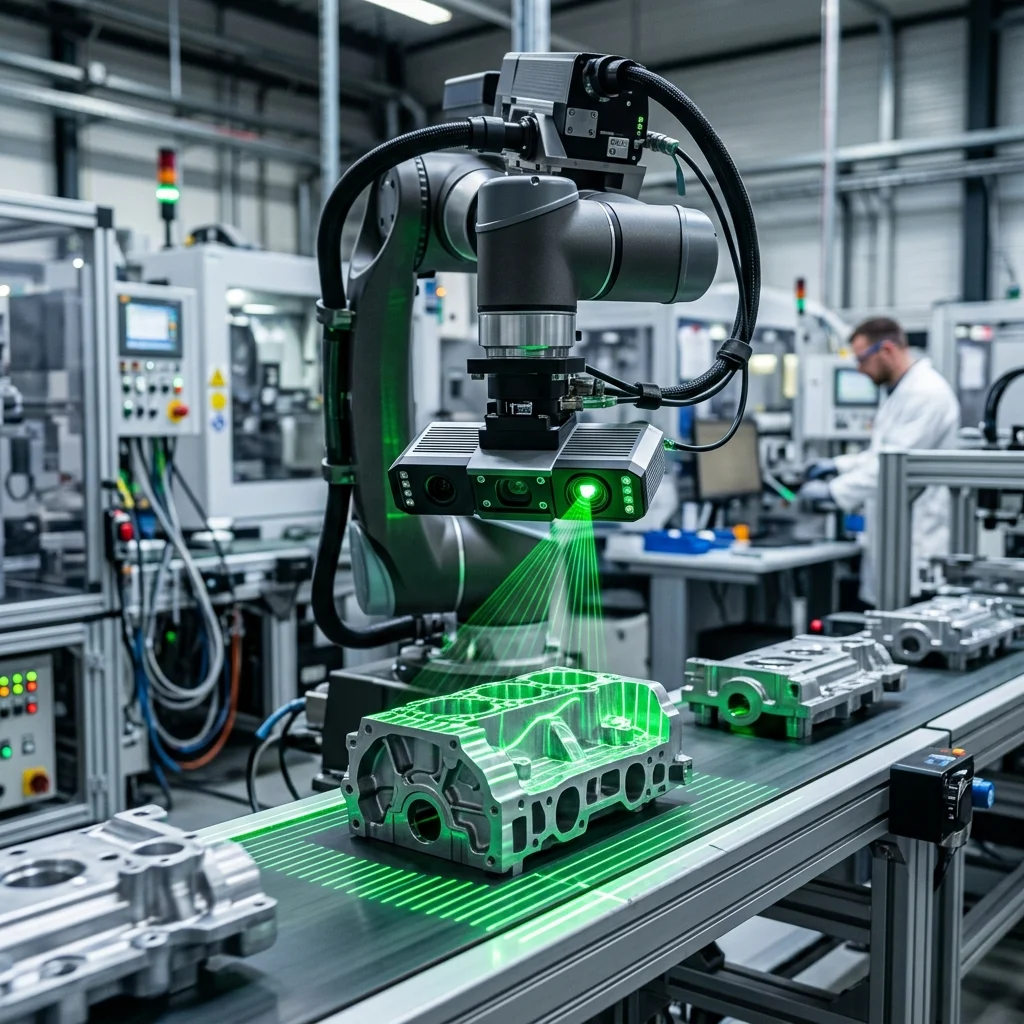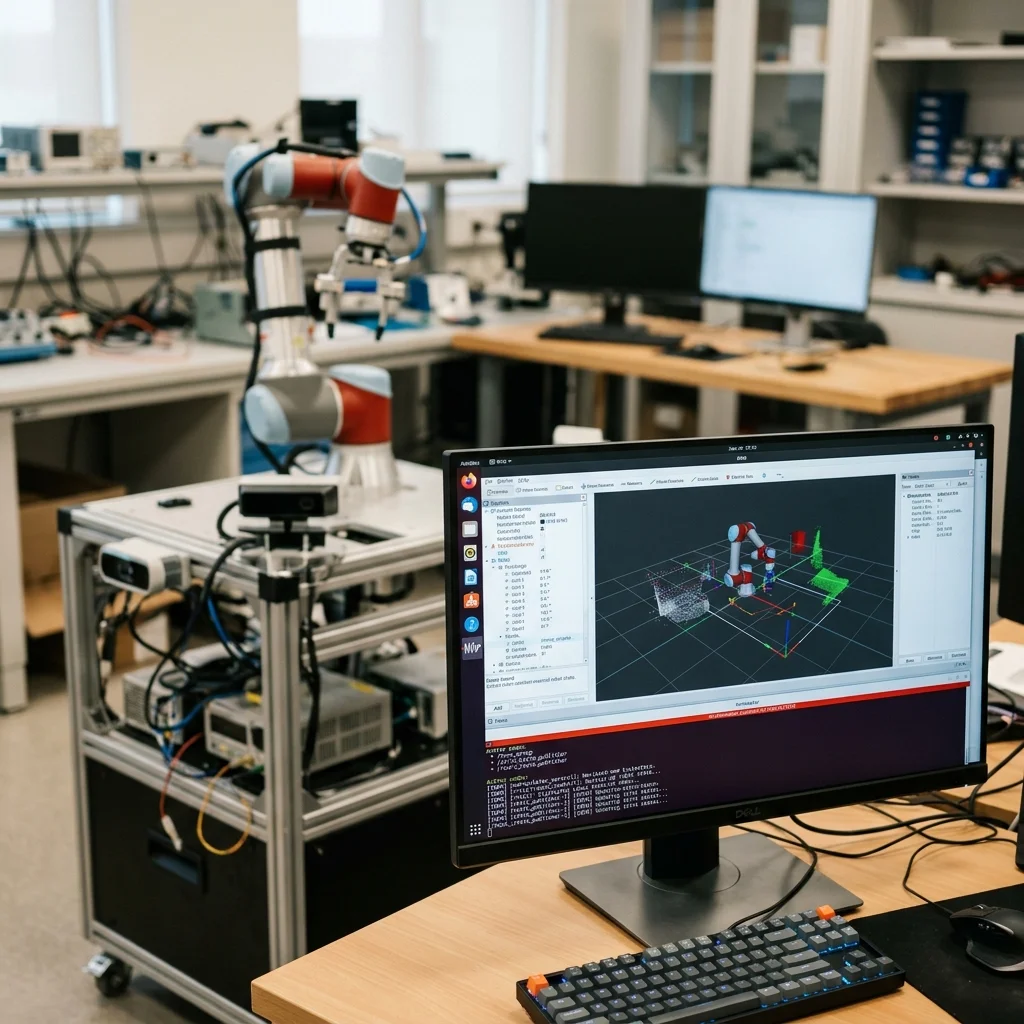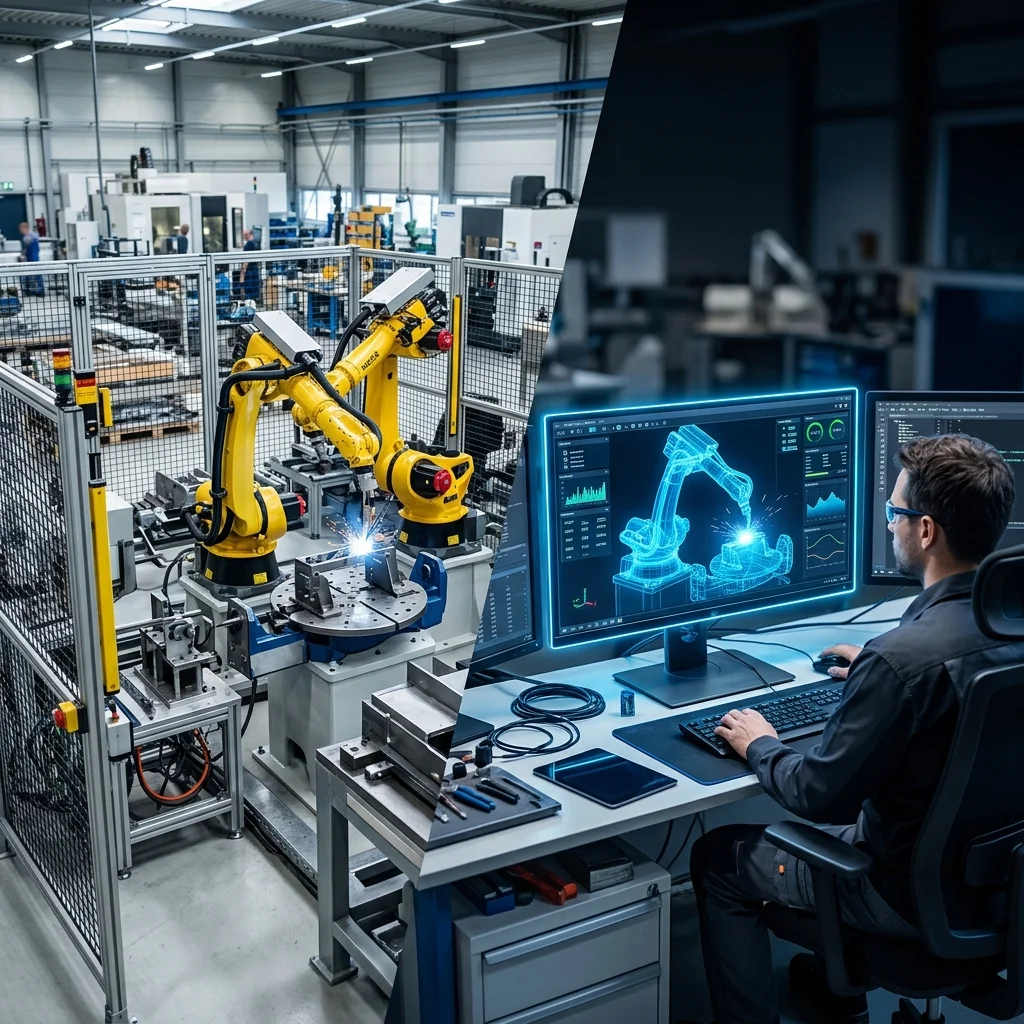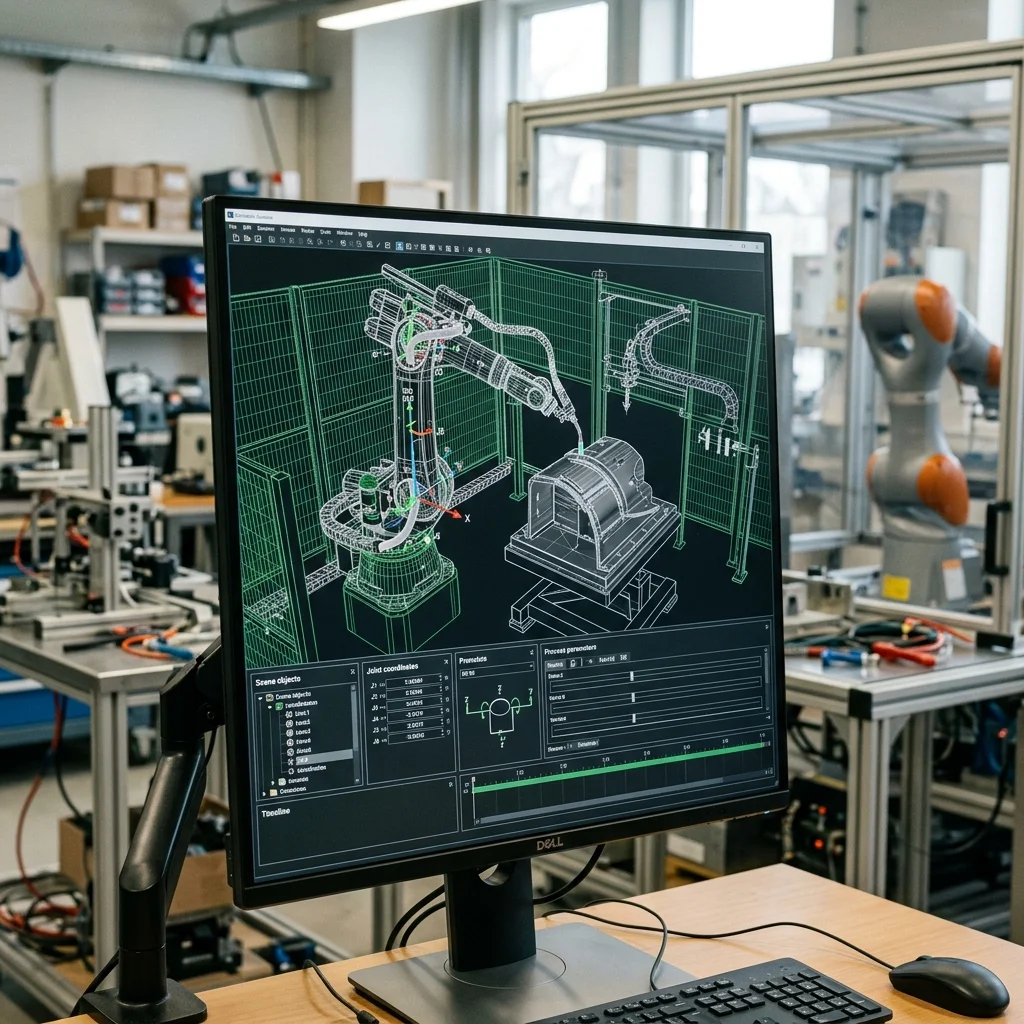
Simulating robotic cells offline is essential to verify reachability, cycle times, and collision avoidance before deploying physical hardware. While vendor-proprietary simulators (such as ABB RobotStudio and FANUC Roboguide) offer perfect fidelity for specific brands, open-source platforms like Gazebo and Webots provide flexible multi-robot physics environments suitable for complex, multi-vendor mechatronics cells and ROS2 integrations.
The Strategic Role of Simulation in Robotic Integration
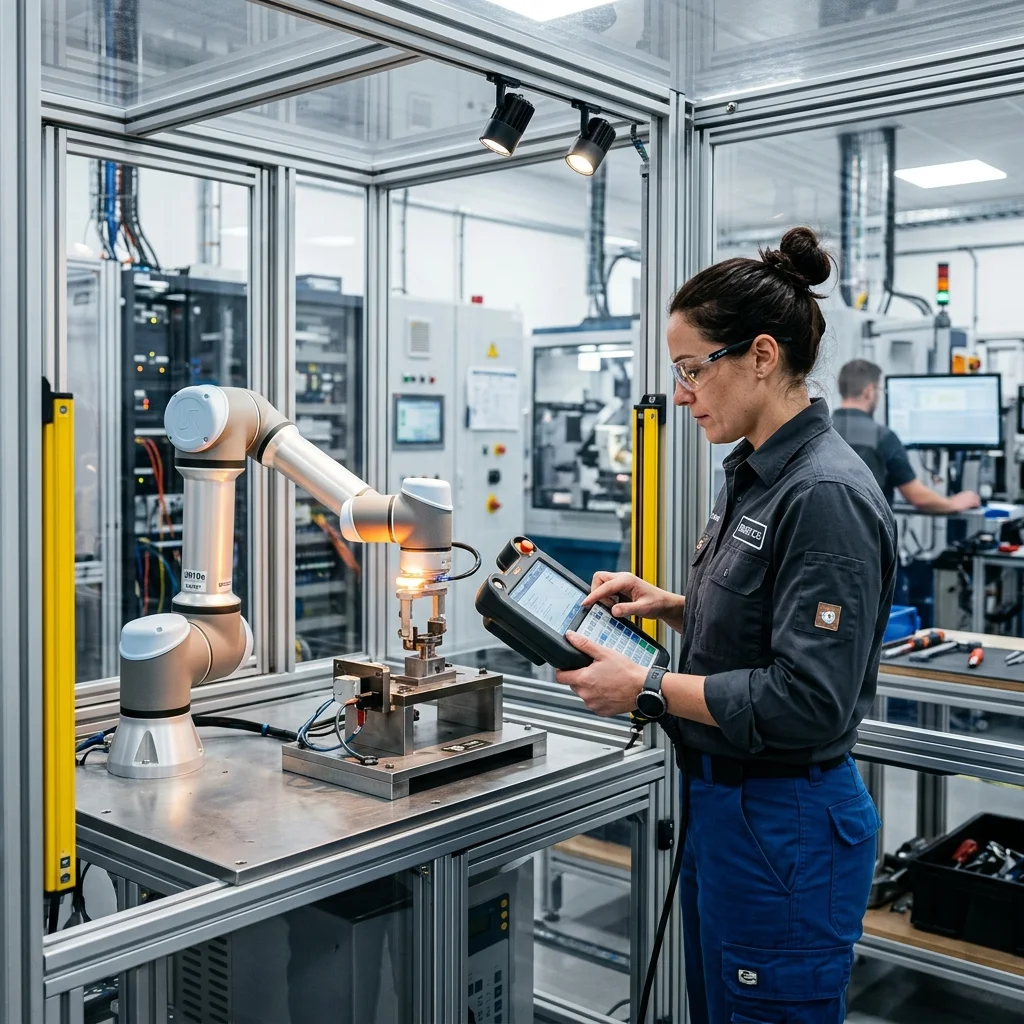
In the early days of automation, integrating a robotic arm was a process of trial and error. Engineers would physically anchor the robot, mount the end-effectors, and then manually teach points using a teach pendant. This physical approach was slow, costly, and carried high risks of collisions. The introduction of 3D simulation software has transformed this workflow, allowing complete virtual cells to be designed, tested, and optimized before any hardware is purchased.
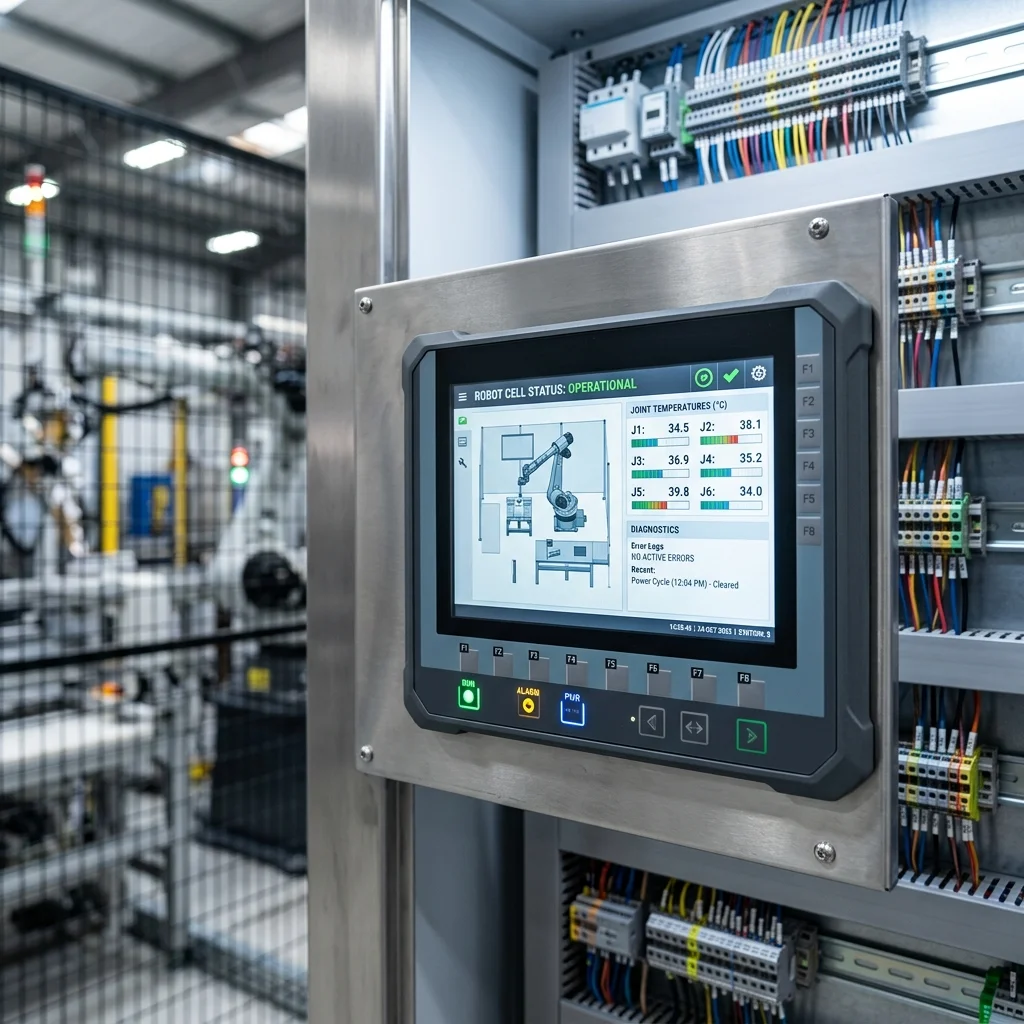
Today, simulation is not just a design tool; it is a critical component of risk mitigation. Reach simulations verify that the robot can access all parts and fixtures without reaching its joint limits or entering kinematic singularity states. Cycle-time simulations ensure that the proposed robot path can meet throughput targets without pushing the motors beyond their thermal limits. By identifying these issues early in the design phase, integration teams can avoid costly modifications on the factory floor.
When designing a simulation strategy, engineers must choose between vendor-specific tools and open-source simulators. Vendor-specific software, such as ABB RobotStudio or FANUC Roboguide, is tightly integrated with the manufacturer's controller technology. Open-source platforms, such as Gazebo and Webots, provide a brand-agnostic mechatronics environment. Understanding the strengths and weaknesses of each platform is key to selecting the right tool for your project.
Vendor-Specific Simulators: Precision and OEM Fidelity
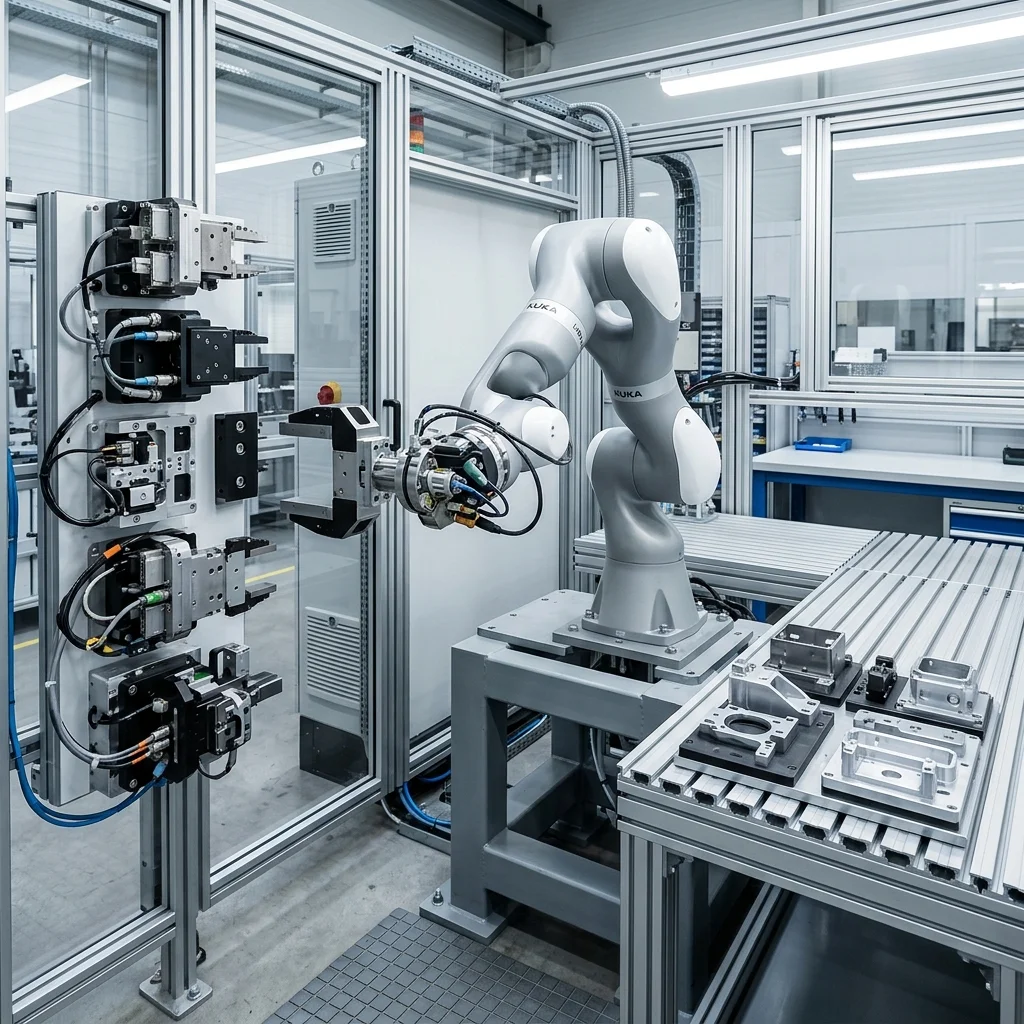
Vendor-specific simulators are developed by the robot manufacturers themselves to support their product lines. Prominent examples include ABB RobotStudio, FANUC Roboguide, KUKA.Sim, and Yaskawa MotoSim. The primary advantage of these tools is their high fidelity. They use the exact virtual controller software that runs on the physical robot, ensuring that simulated speeds, acceleration profiles, and path behaviors match the physical hardware with high accuracy.
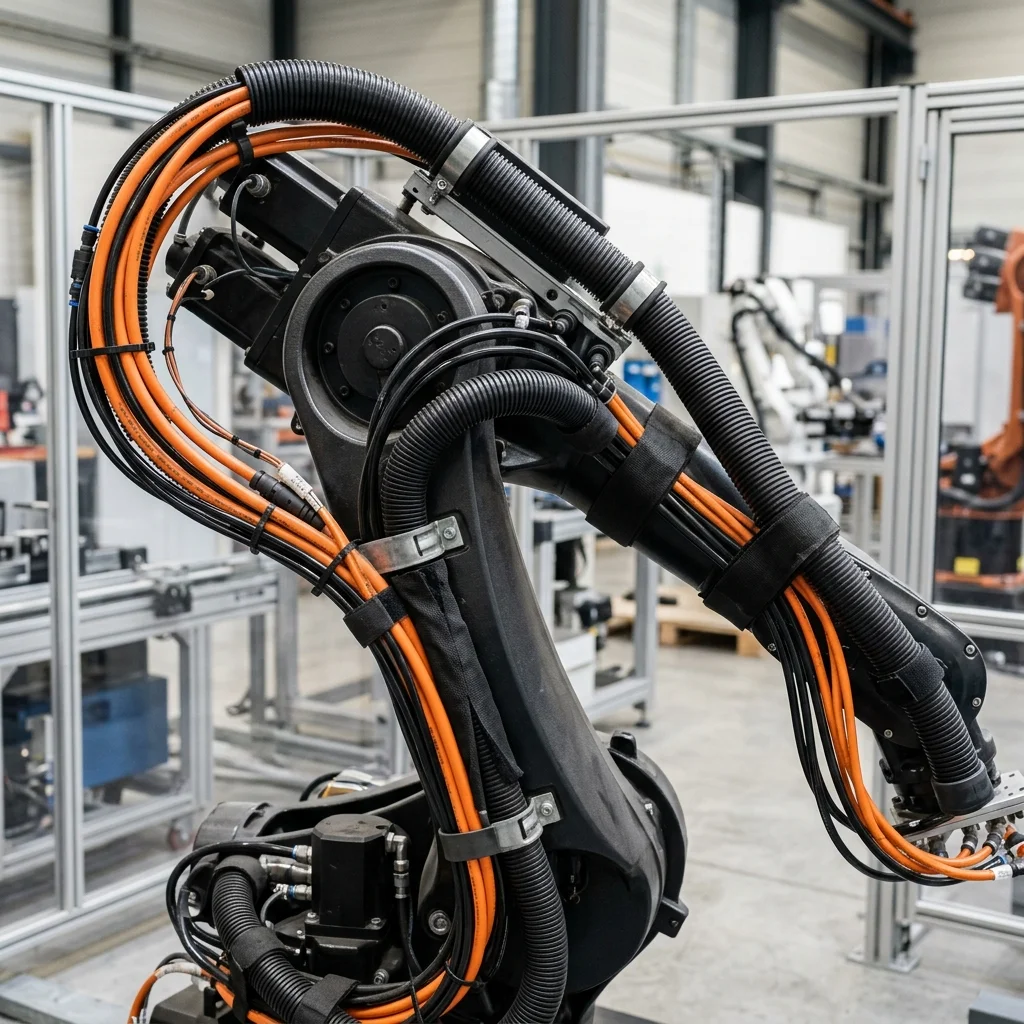
This high level of accuracy makes vendor-specific simulators the industry standard for virtual commissioning. When an engineer programs a path in RobotStudio, the program can be exported directly to the physical controller with minimal editing. These tools also include advanced features like offline cable dresspack simulation, which models the physical wear on cables as the robot rotates, helping to prevent premature cable failure.
However, vendor-specific simulators have several limitations. They are proprietary and require expensive annual licenses, which can be a barrier for smaller integrators. Furthermore, they are locked to a single brand. If a mechatronics cell combines an ABB arm for assembly with a Yaskawa robot for palletizing, simulating the entire cell in a single vendor tool is difficult and often requires purchasing multiple software packages.
Open-Source Simulators: Multi-Robot Physics and ROS2 Integration
For projects involving multi-brand robotic cells, automated guided vehicles (AGVs), or custom mechatronics, open-source simulators offer a powerful alternative. The two most widely used open-source simulators are Gazebo and Webots. These platforms are not locked to any robot vendor and are designed to simulate complex environments containing multiple independent dynamic agents.
Gazebo is the standard simulator for the ROS2 (Robot Operating System) ecosystem. It uses advanced physics engines (such as ODE or Bullet) to simulate gravity, friction, joint torques, and sensor contacts. This makes it ideal for testing advanced control algorithms, vision integration, and path-planning scripts in a realistic physics environment. Gazebo can model LiDAR sensors, depth cameras, and force-torque sensors, allowing engineers to test their perception stack virtually.
Webots is another popular open-source simulator, known for its user-friendly interface and fast rendering times. While Gazebo excels in ROS2 integration, Webots is often favored for educational and prototyping projects due to its rich library of pre-built robot models and sensors. Both simulators allow for custom mechatronics to be imported via URDF (Unified Robot Description Format) files, making them highly flexible for prototyping novel robotic systems.
Physics Engines, Friction Modeling, and Collision Detection
At the core of any robot simulator is its physics engine, which calculates the movements and interactions of objects in the virtual world. For simple reach checks, kinematics simulation is sufficient. However, for applications involving grasping, pushing, or high-speed motion, dynamic physics simulation is required. This involves modeling contact forces, friction coefficients, and object inertia.
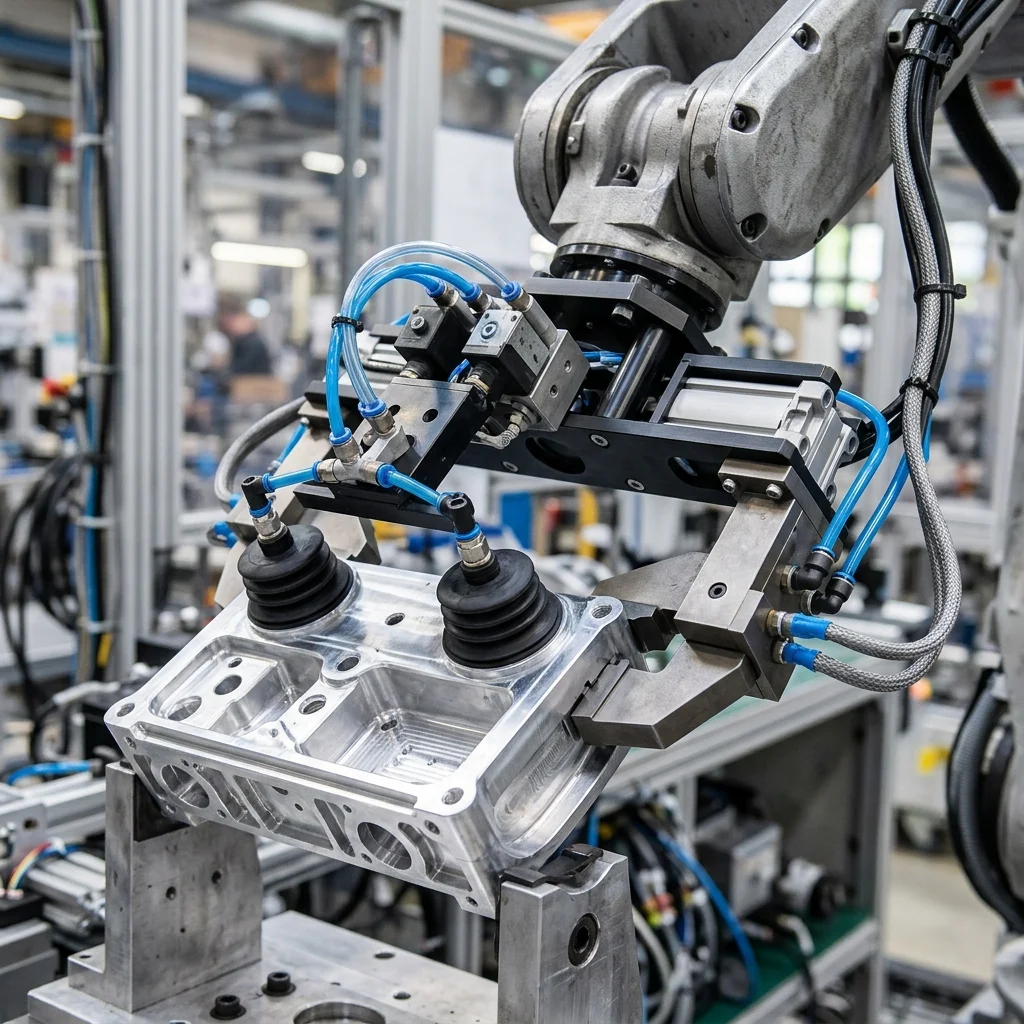
Friction modeling is particularly critical for material handling and assembly. If the friction coefficient between a gripper pad and a workpiece is set incorrectly in the simulator, the robot may successfully grasp a part in the simulation, only for it to slip out in the physical world. Simulators like Gazebo allow engineers to tune these parameters, but matching virtual physics to the physical world requires empirical testing and calibration.
Collision detection is another essential function of the physics engine. The simulator must continuously monitor the bounding boxes of all components (robot links, gripper, workpiece, safety fencing) and trigger alarms if they overlap. Advanced simulation tools can calculate minimum clearances, ensuring that the robot maintains a safe distance from fixtures during operation, which is critical for complying with factory safety standards.
Formulating a Simulation and Virtual Commissioning Workflow
To get the most value out of simulation, mechatronics teams should implement a structured virtual commissioning workflow. First, import the cell layouts and gripper designs from mechanical CAD tools, simplifying the geometry to reduce polygon counts and speed up simulation rendering. Second, define the joint axes, limits, and coordinate frames for all moving components, ensuring the virtual model behaves mechanically like the physical machine. Third, program the robot paths offline, optimizing joint configurations to minimize travel times and prevent singularity issues. Finally, connect the virtual robot controller to a virtual PLC using communication protocols like OPC UA, verifying the control logic and sequencing before hardware assembly.
By testing these elements in a virtual environment, integration teams can resolve over 80% of software and kinematic bugs before the physical installation begins. This virtual commissioning workflow reduces physical integration times, minimizes the risk of component damage, and ensures a faster, safer path to production.